Koala Canvas
Kontzeptu-probak egiteko canvas lokala: agente batek zure pantailen aldaera biziak elkarren ondoan jartzen ditu, zuk markatu, iruzkindu eta aukeratzen duzu, eta baztertutako aukerak irudi bihurtzen dira. Doan instalatzeko.
- Rola
- Product Design, Front-End
- Stack
 React
 TailwindCSS
 Node.js
- Urtea
- 2026

Project Details
Koala Canvas is the tool I use to run proofs of concept. Before deciding how a screen should look, an agent builds a few directions as real routes of the project and lays them out side by side on a canvas. I look at them live, mark each one, pin comments, ask for more or for a mix, and choose. It replaces the part of the job I used to do in Figma, with the real product instead of a picture of it.
- Frames are live routes of your own dev server, with hot reload
- Rounds as rows: layout first, then visual
- Verdicts on every option: Pick, Maybe or Out
- Comments pinned to a point or an area, which the agent reads back
- Requests from the canvas: more like this, a mix of two, choose one
- A recorded decision that freezes the losing options into images
Install
It is free. You need Node 20 or later.
npm i -g https://github.com/jespinosa19/koala-canvas-releases/releases/latest/download/koala-canvas.tgz
koala-canvas skill
The second command installs the agent skill, so Claude Code knows how to use the canvas in any project. To update, run the install command again. Every version is on the releases page.
Use it
Start your project's dev server, then from the project root:
koala-canvas serve --target http://localhost:3000
Open http://localhost:4848/__canvas/ and ask your agent to put options on the
canvas. Everything stays on your machine: the state lives in .koala-canvas/
inside the project, so add it to your .gitignore.
Tech Used
ReactTailwindCSSNode.jsBuilt with Koala UI components, served by a small Node server that proxies every route to your dev server. Frames stay on the same origin, so the canvas knows which element each comment points at.
Real canvases from Koala UI
Every one of these is a canvas I used to decide a Koala UI component. Drag to move around, pinch or Ctrl + scroll to zoom, and double-click any frame to look at it closely. Open one full screen to wander through it.
A decision
Each round is a row. The chosen option carries a star; the rest are crossed out and frozen as images, so the record of why stays readable after the code moves on.
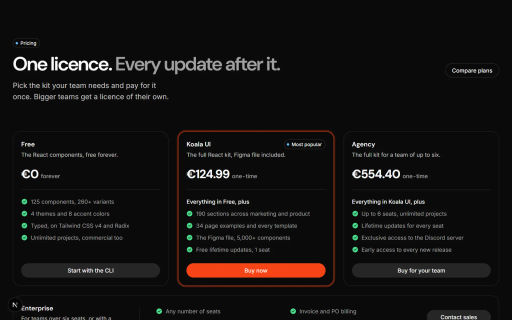
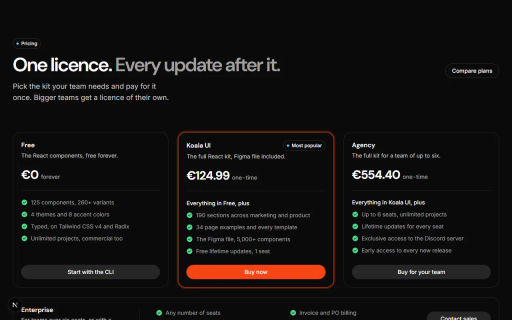
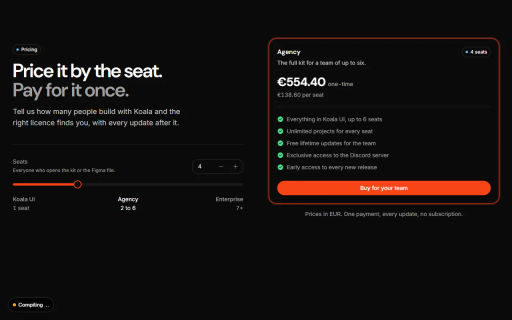
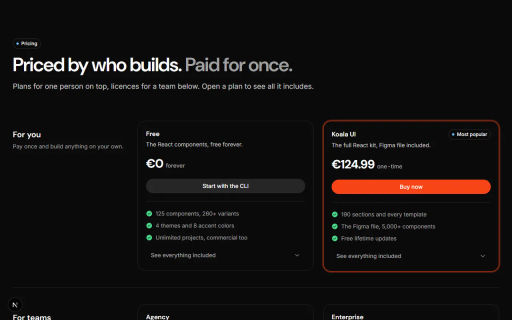
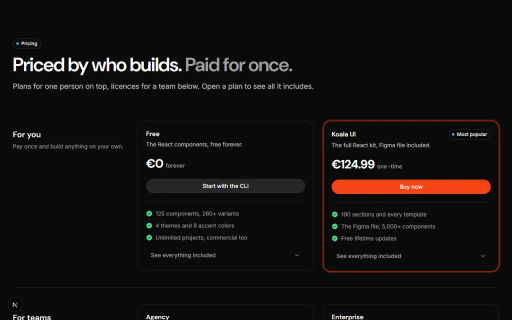
Badges
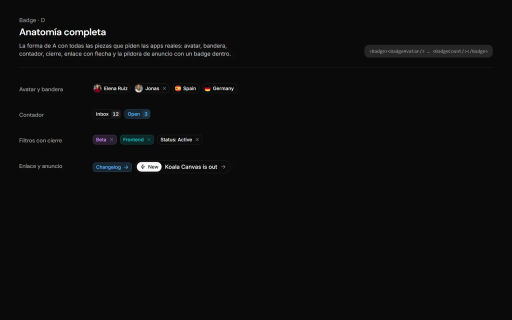
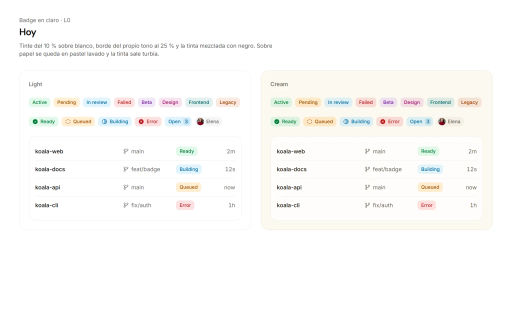
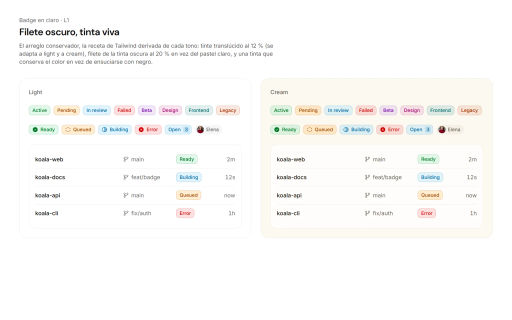
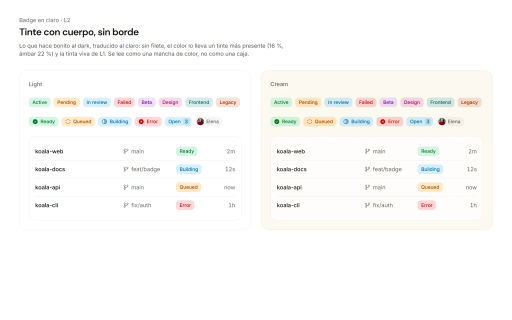
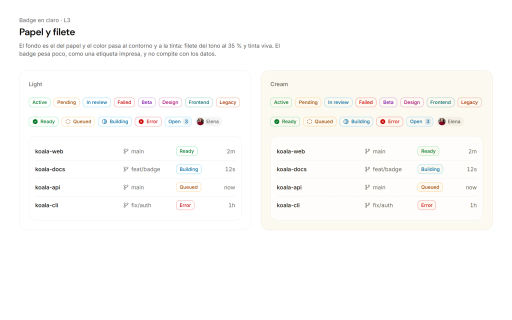
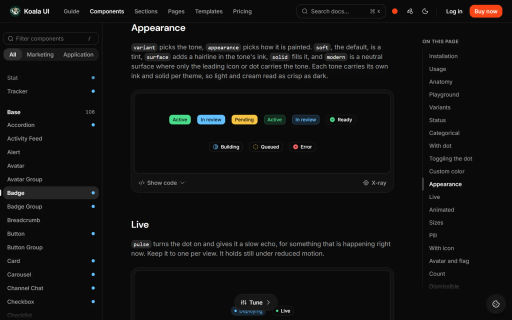
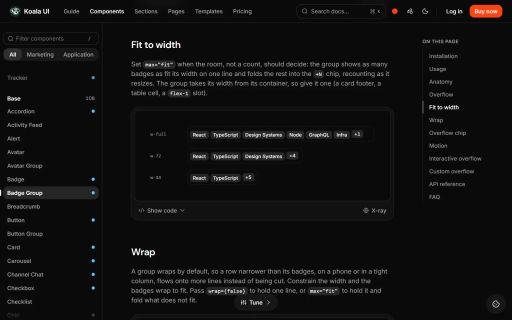
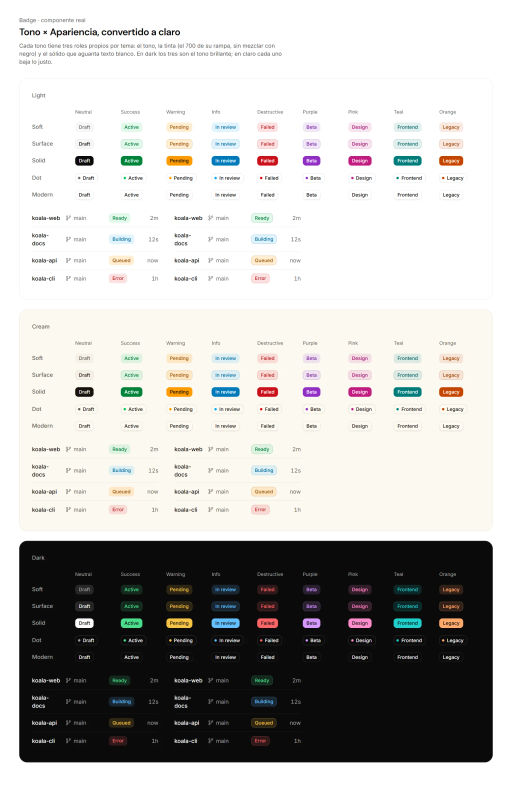
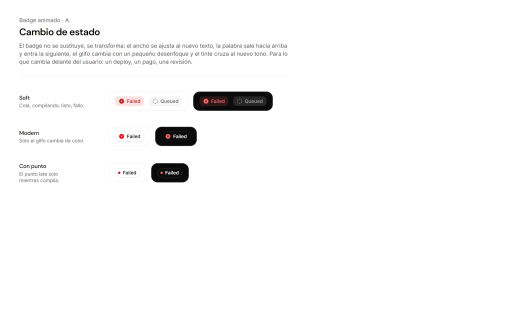
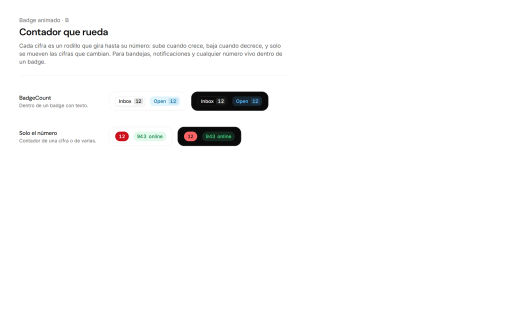
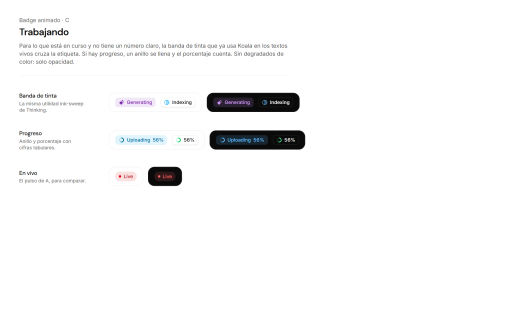
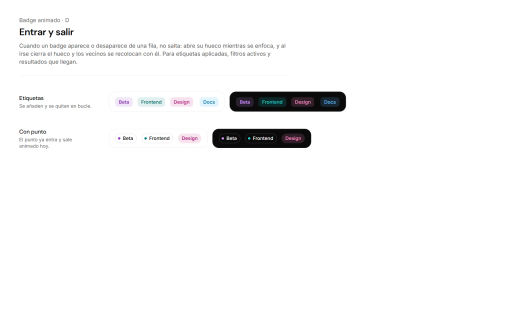
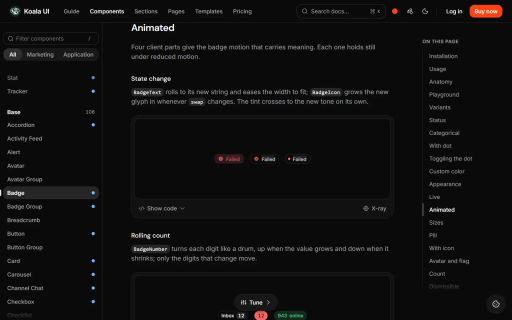
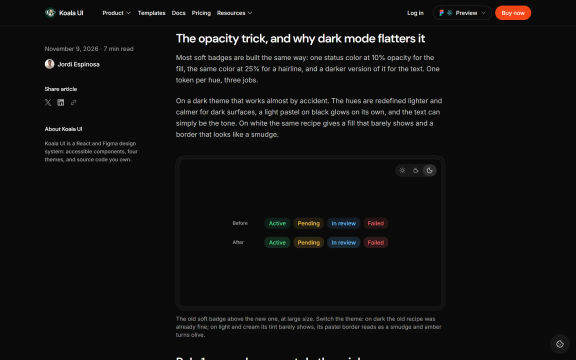
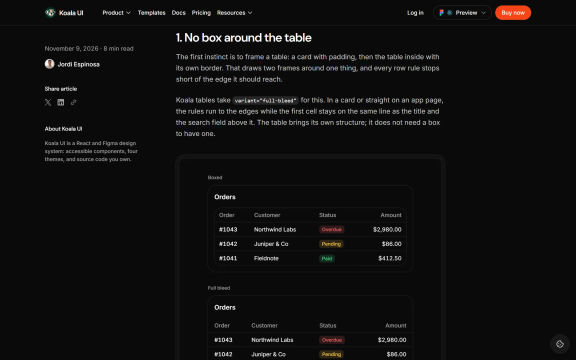
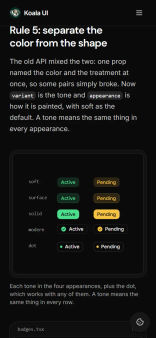
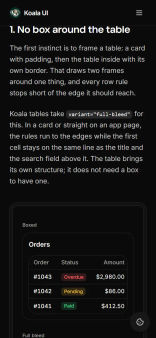
Four rounds to settle the badge: the model, the light theme, the real component, then motion. Each direction sits next to the docs page and the blog posts that use it, so the choice is checked where it will live.
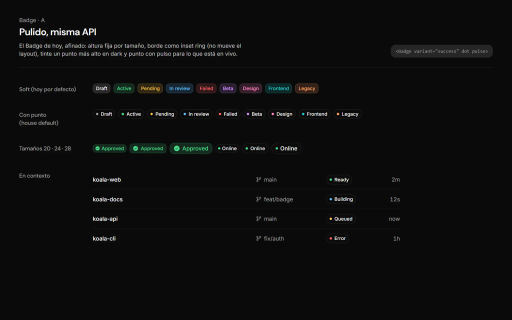
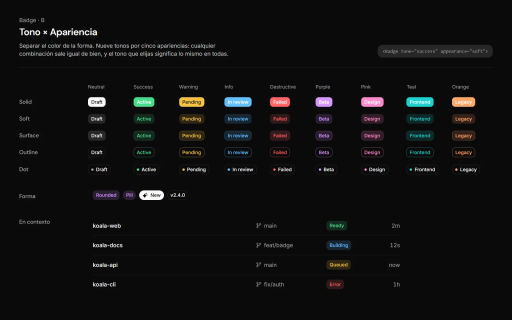
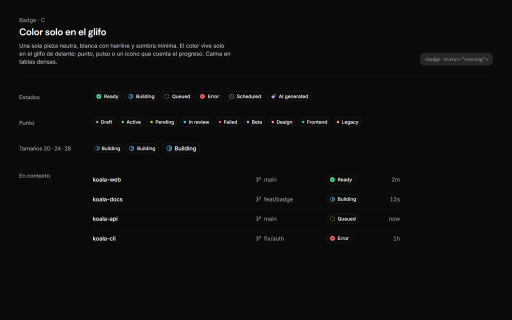
Agents
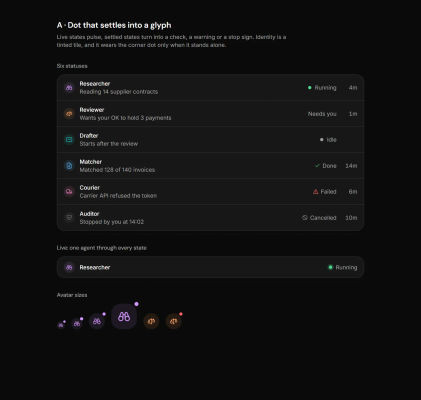
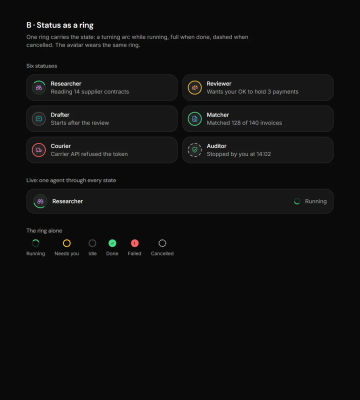
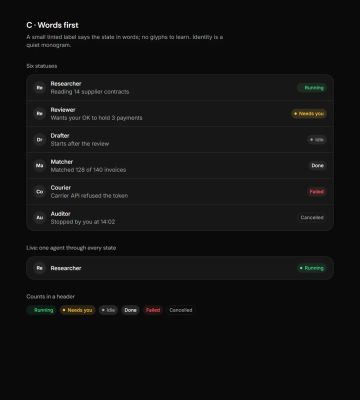
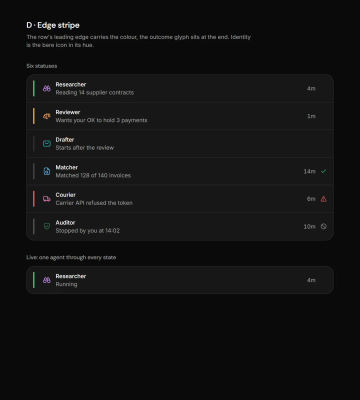
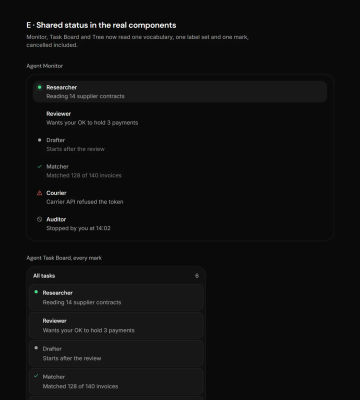
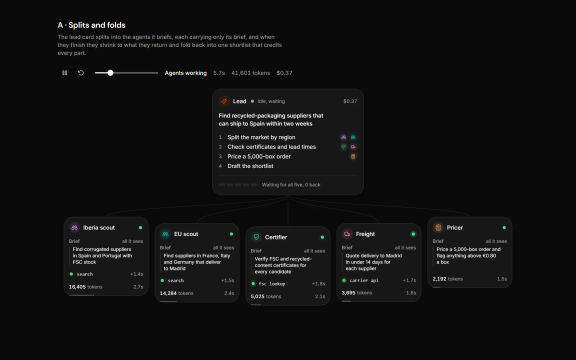
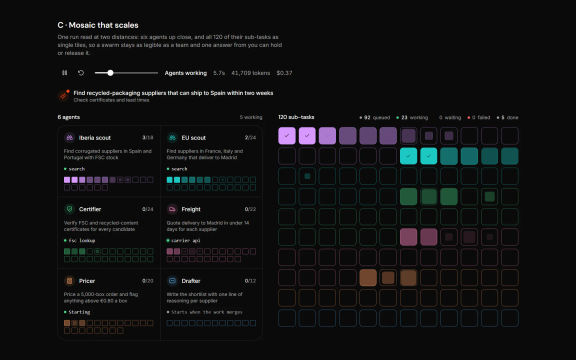
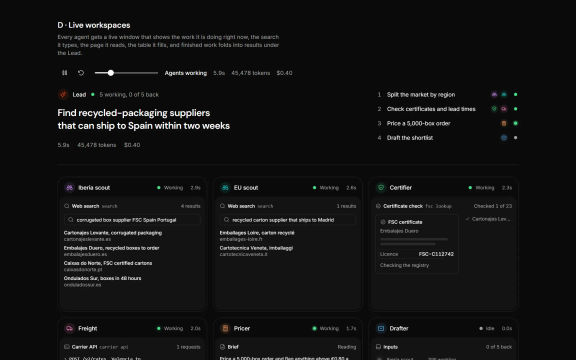
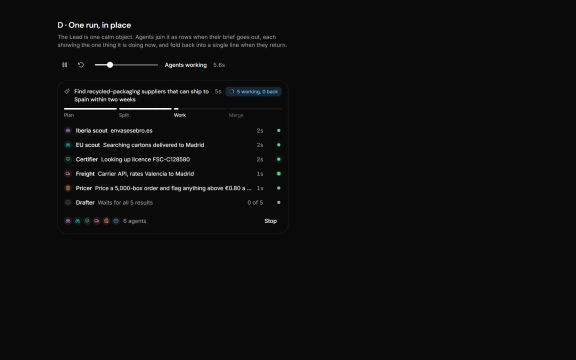
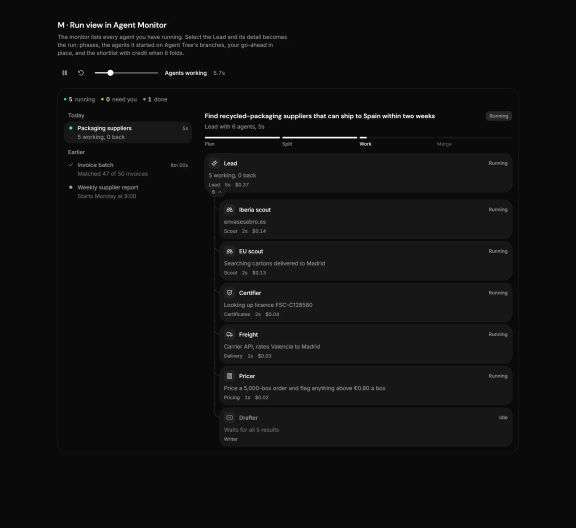
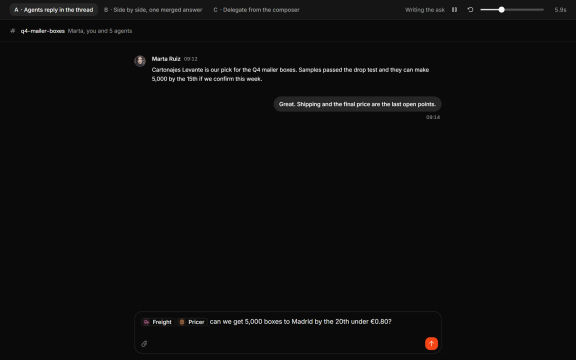
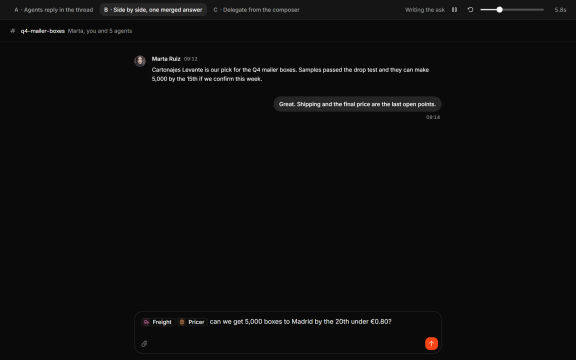
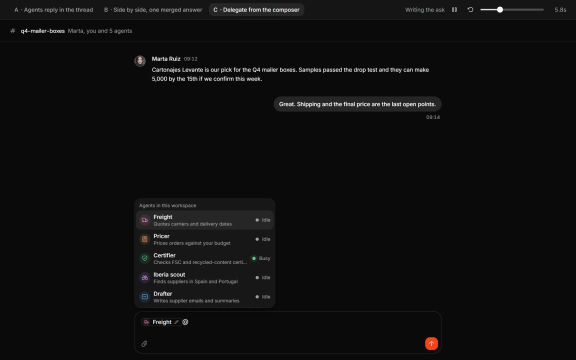
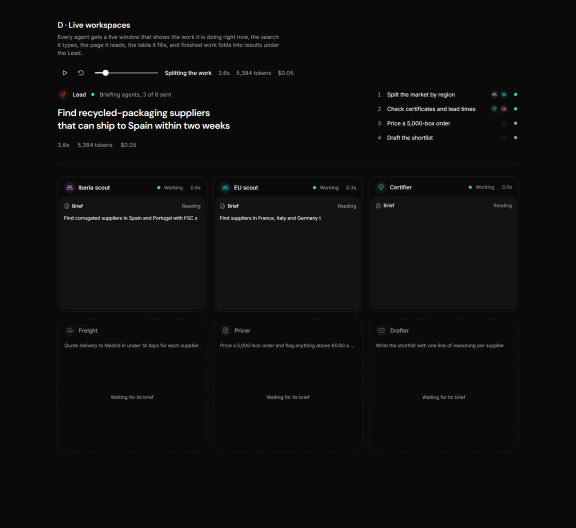
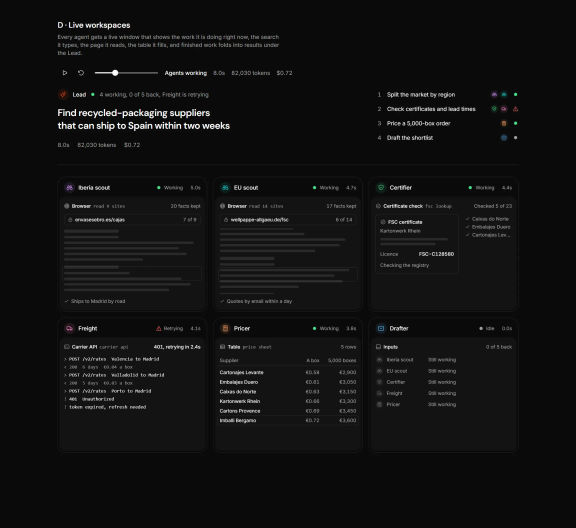
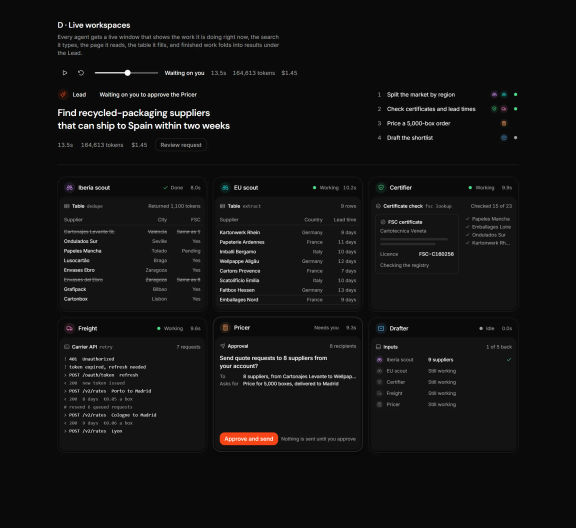
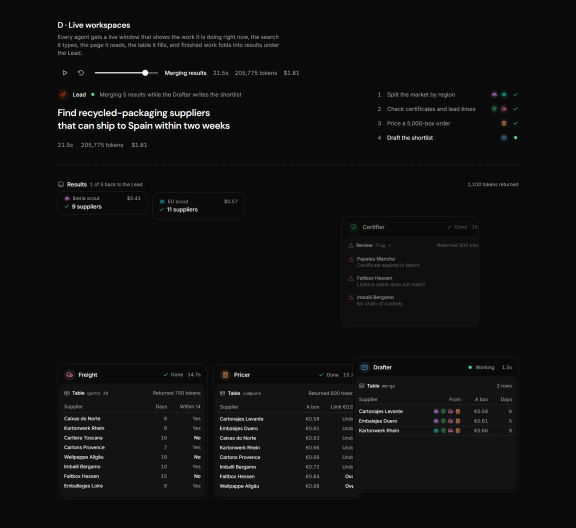
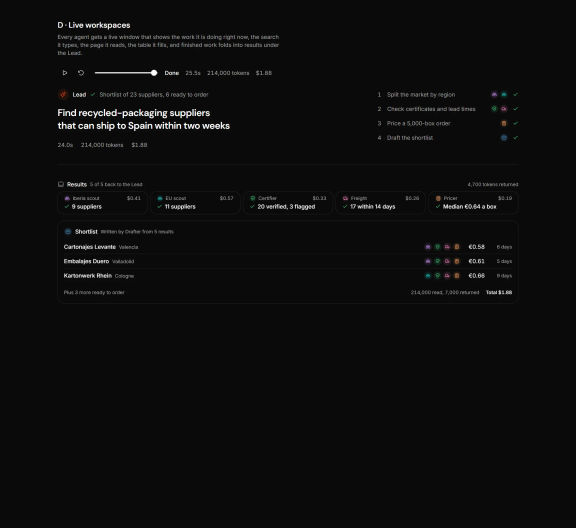
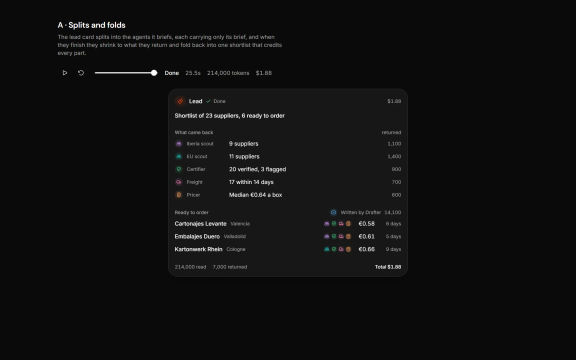
Status language first, then how a lead agent splits and folds the work, how agents answer in chat, and the key moments of a run.
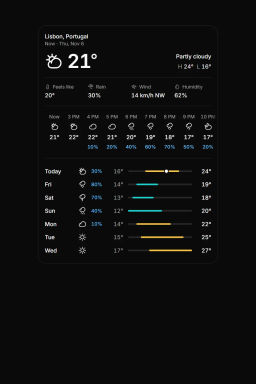
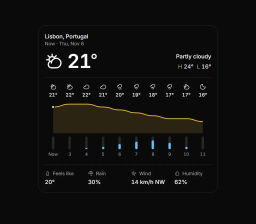
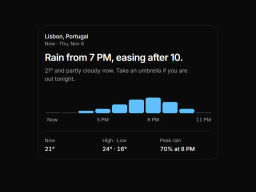
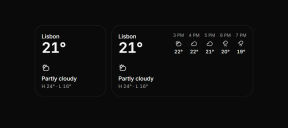
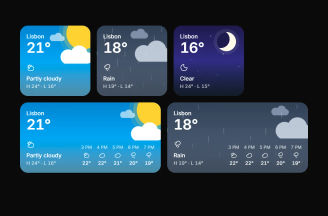
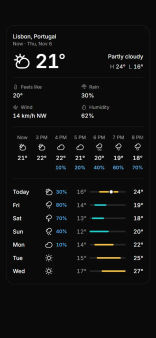
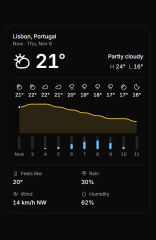
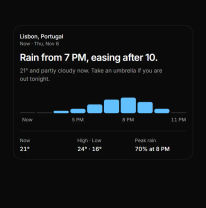
Weather card
Desktop and mobile as separate rows, at their real sizes, so a direction that only works wide shows it straight away.